Help
Sign up confirmations with Cloudflare.
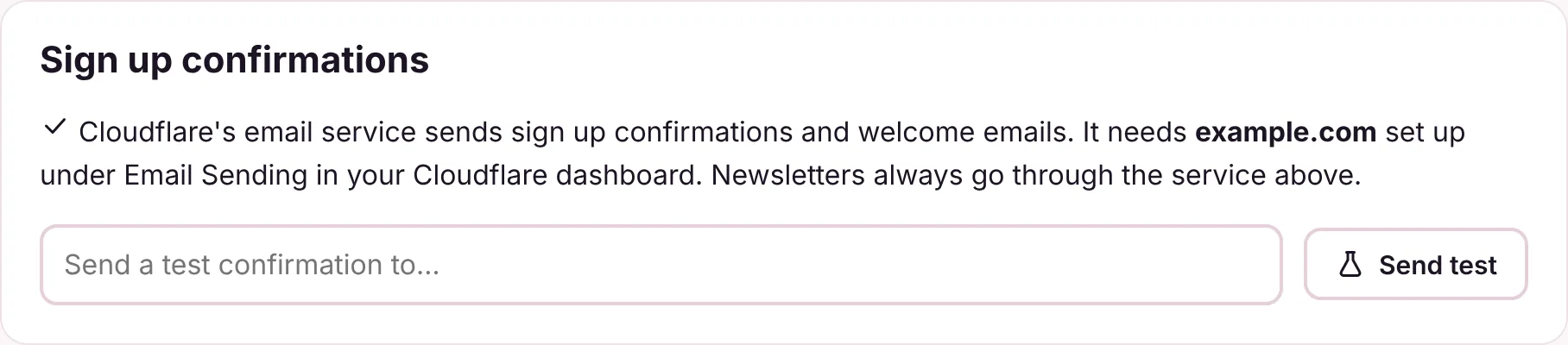
Newsletter Sender can send sign up confirmations and welcome emails through Cloudflare's own email service. Newsletters always go through your sending service.
1What it sends
Cloudflare's email service is made for one off emails, so Newsletter Sender only uses it for:
- The email asking new subscribers to confirm.
- Welcome emails after someone confirms.
- Emails to you, such as the summary when a campaign finishes.
Newsletters themselves always go through Amazon SES, Postmark, Mailgun, Brevo or Resend. If Cloudflare's email service isn't set up, everything goes through your sending service instead, so nothing stops working.
2Set up your domain
- In your Cloudflare dashboard, open your domain and then Email Sending. Your domain needs to be on Cloudflare for this.
- Follow Cloudflare's steps to set the domain up for sending. Cloudflare adds the DNS records itself, because it already looks after your DNS.
Use the same domain as your From address, such as yourdomain.com for news@yourdomain.com.
3Send a test
- In Newsletter Sender, open Settings, Sending.
- Under Sign up confirmations, type your own address and press Send test. A confirmation email should arrive within a minute.